
Key Takeaways:
Why Choose bbIPTV for UK Streaming
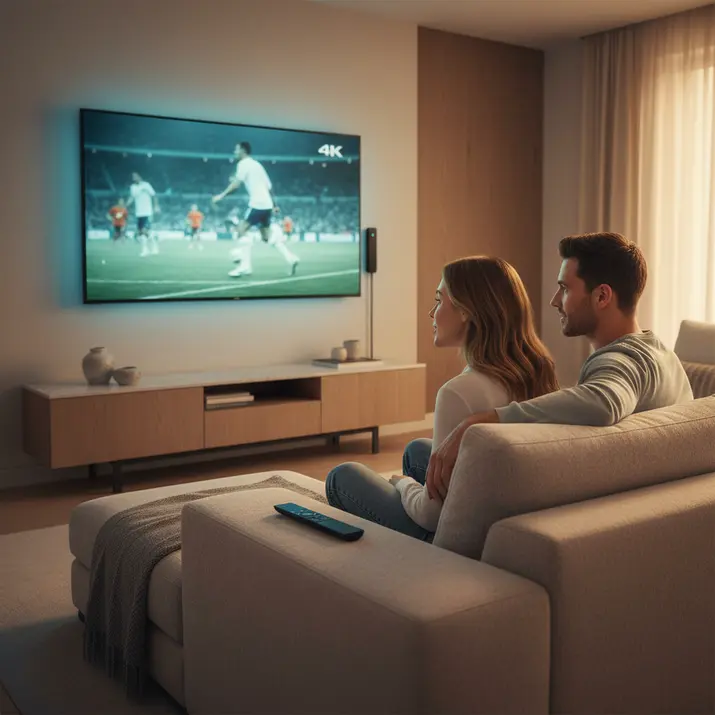
bbIPTV stands out for UK users seeking reliable IPTV streaming with access to 23,000+ live channels including BBC and Premier League matches, plus a free trial to test the service. This setup works smoothly on devices like Firestick, smart TVs, Android, and iOS. Users enjoy 4K quality and HD streams without common buffer issues.
Imagine settling in for a Premier League game on your Samsung or LG TV, or catching the latest BBC news on your Roku, all without interruptions. bbIPTV delivers static IPTV stability through M3U playlists and dedicated apps. Activation is simple with username, password, and URL credentials via email.
Three key benefits make bbIPTV ideal for UK viewers. First, its extensive channel variety covers sports, news, and entertainment from global sources. Second, the free trial lets you test on multiple devices risk-free before committing. Third, cost-effective long-term plans like the 12-month option at GBP54.99 offer great value compared to monthly subscriptions.
Consider the ROI: the 12-month plan at GBP54.99 saves over 60% versus the monthly equivalent, making it a smart choice for frequent streamers. Install via downloader apps, enable unknown sources in settings, and load your playlist for instant access to live channels. This approach ensures reliable bbIPTV pro performance on Firestick or other devices.
Available Subscription Plans
bbIPTV offers flexible subscription plans starting at GBP14.99 for one month, with longer options providing significant savings and a free trial for new users. These plans give access to 23,000+ channels and 100,000+ VOD titles in 4K and HD quality on devices like Firestick, smart TVs, Android, and iOS. The progression from trial to monthly or yearly options suits different needs, from testing IPTV streaming to long-term enjoyment of live sports and movies.
New users often start with the free trial to explore channels like Premier League matches or BBC content without commitment. This entry point leads naturally to paid subscription plans, where longer terms reduce costs per month. Setup involves simple M3U playlist activation using username, password, or URL in apps like IPTV Smarters Pro or static IPTV players.
Each plan supports multiple devices including Roku, Samsung, and LG TVs via downloader apps with unknown sources enabled in settings. Users appreciate the no buffer experience for live channels during events. Choose based on usage, like short-term for seasonal sports or annual for daily streaming.
Renewal is flexible with no long-term lock-in, and support helps with activation credentials via email. This structure makes bbIPTV ideal for both casual viewers and dedicated fans seeking reliable IPTV media streaming.
1-Month Plan Details
The 1-month bbIPTV plan at GBP14.99 delivers full access to 23,000+ channels and 100,000+ movies/series, ideal for short-term testing alongside the free trial. It suits new users exploring IPTV features on Firestick or Android devices without long commitments. Enjoy 4K quality live streams like Premier League games or BBC shows via player apps.
Popular posts
- Sign Up for a Free IPTV Trial in the UK | bbIPTV.co.uk
- How to get 24h iptv free trial | bbIPTV.co.uk
- The Ultimate List of the Best IPTV Providers for UK
- Exploring the Best IPTV Services in the UK for 2024 | bbIPTV.co.uk
- Exploring the Best IPTV Services for UK | bbIPTV.co.uk
- The Definitive List of the Best IPTV Provider in the UK | bbIPTV.co.uk
- Top IPTV Providers UK for A Comprehensive Guide | bbIPTV.co.uk
Compared to the free trial, which has limited duration, this plan offers a full month of uninterrupted access. Install via downloader, enable developer options and unknown sources, then load your M3U playlist with provided username and password. Perfect for seasonal events where you want premium channels without yearly ties.
Renewal is straightforward through the IBO pro app or website, with no hidden fees. Test compatibility on smart TVs like Samsung or LG by entering activation credentials in settings. Users find it great for verifying no buffer performance before upgrading.
For iOS or Roku setups, use compatible apps to input the URL and start streaming HD content immediately. This plan builds confidence in bbIPTV’s reliability for daily use.
3-Month and 12-Month Options
For better value, the 3-month plan at GBP24.99 equates to just GBP8.33/month, while the 12-month option at GBP54.99 drops to GBP4.58/month with uninterrupted access. Both provide the same full features as the 1-month plan, including all channels and VOD on Firestick, Android, or iOS. Ideal for medium or long-term commitment to smooth IPTV streaming.
| Plan | Price | Monthly Equivalent | Savings vs 1-Month | Best For |
|---|---|---|---|---|
| 3 Months | GBP24.99 | GBP8.33 | 44% | Medium commitment, sports seasons like Premier League |
| 12 Months | GBP54.99 | GBP4.58 | 70% | Long-term savings, daily live TV and movies |
The 3-month option fits users transitioning from free trial, covering events without full-year lock-in. Load credentials into static IPTV player on smart TVs for buffer-free HD viewing. Great for hybrid paths, like testing then committing quarterly.
Opt for 12-month savings if you stream regularly on multiple devices such as Roku or LG TVs. Enter email for activation, enable apps menu, and enjoy 4K channels year-round. Experts recommend longer plans for consistent access to global content without monthly renewals.
Key Features and Channel Lineup
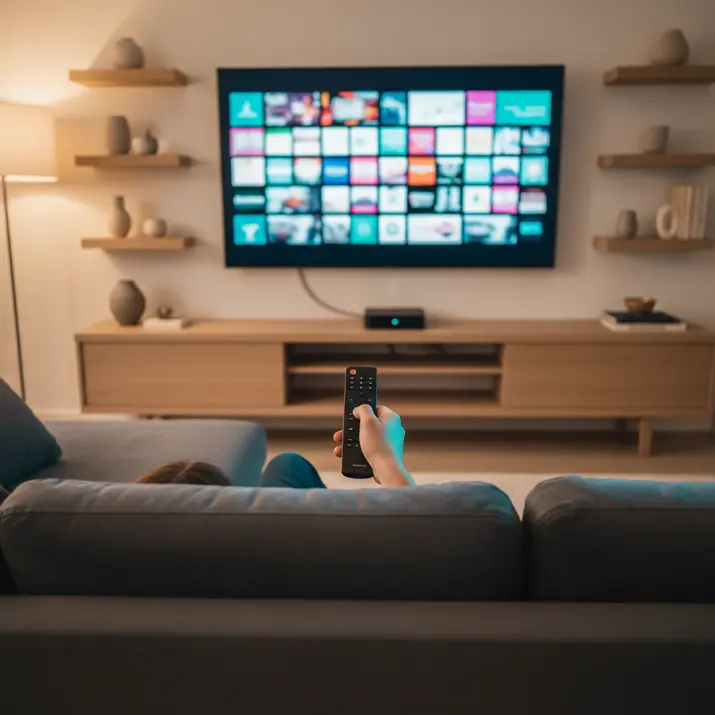
bbIPTV’s key features include 23,000+ live channels covering UK favorites like BBC and Premier League, delivered via stable M3U playlists. Users access content through simple username/password credentials on devices like Firestick or smart TVs. This setup ensures smooth streaming without complex configurations.
The service offers anti-buffer technology that minimizes interruptions during peak viewing times. Categories span sports, news, and entertainment, with thousands of options in HD and 4K quality. For example, sports fans enjoy live Premier League matches, while news enthusiasts tune into BBC channels.
M3U playlist support allows easy integration with apps like IPTV Smarters or GSE Smart IPTV. UK users report reliable viewing by entering activation credentials in the player settings. This works well on Android, iOS, Roku, Samsung, and LG devices.
- 23,000+ live channels across global and local networks.
- BBC and Premier League access for UK viewers.
- M3U playlist support for custom setups.
- Simple username/password login on any compatible app.
- Anti-buffer tech for stable HD/4K streams.
Channel Categories Breakdown
Sports channels dominate with live events like Premier League games and international tournaments. News options include BBC and global outlets for real-time updates. Entertainment covers movies, series, and kids’ programming in multiple languages.
Users on Firestick access these via the downloader app by enabling unknown sources in settings. Load the M3U URL or paste credentials into the IPTV player. This delivers buffer-free viewing on smart TVs.
For static IPTV needs, bbIPTV provides pro plans with IBO options. Android and iOS apps handle subscriptions seamlessly. Examples include watching BBC iPlayer alternatives without VPN hassles.
UK User Success Stories
Many UK users stream Premier League on Firestick using bbIPTV’s M3U playlists. They install via developer options, add the playlist URL, and enter username/password for instant access. This setup avoids free trial pitfalls with stable subscriptions.
On Samsung or LG smart TVs, the process involves the built-in apps menu. Enable unknown apps, sideload the player, and input credentials. Viewers praise the 4K quality for live channels without lag.
Roku users download compatible players and activate via email-sent codes. Sports fans report consistent BBC and Premier League streams during match days. These real-world examples highlight reliable performance across devices.
Streaming Quality and Content Library
Experience bbIPTV content in up to 4K, FHD, or HD quality across a library of 100,000+ movies and series with minimal buffering. This setup delivers sharp visuals and smooth playback on devices like Firestick, smart TVs, and Android boxes. Users enjoy reliable IPTV streaming without constant interruptions.
Imagine binge-watching a popular series on UK networks like BBC or Premier League matches in crisp 4K quality. The service supports various quality tiers tailored to your device, from HD on older smart TVs to full 4K on modern Firestick or Samsung models. Adjust settings in the player app for optimal performance.
The VOD library spans genres, including latest blockbusters, classic films, and full seasons of TV shows. Access live channels, sports, and international content via M3U playlists with your username and password. Buffer-free tech uses stable servers to maintain quality during peak hours.
Quality tiers match devices: HD for basic Android TVs, FHD for iOS apps, and 4K for high-end setups like LG or Roku. This rivals premium services but at a lower subscription cost. Integrate with Downloader apps for easy static IPTV access on Firestick.
Device Compatibility Guide
bbIPTV works seamlessly on popular UK devices like FireStick, Smart TVs from Samsung and LG, Android, iOS, Roku, and NVIDIA Shield.
These devices support IPTV streaming through compatible apps and players. Users need a stable internet connection at 10Mbps+ for HD quality and an HDMI port for external setups. This ensures smooth playback of live channels without buffering.
Popular players like StaticIPTV Player, IBO Pro, TiviMate, and XCIPTV integrate well across platforms. Enter your M3U playlist, username, and password from bbIPTV credentials to access content. Samsung and LG Smart TVs handle 4K quality streams effortlessly.
For best results, check device specs before setup. Android and iOS apps offer mobile flexibility, while Roku and NVIDIA Shield excel in dedicated streaming. Always verify app compatibility in device settings for optimal performance.
Smart TVs (Samsung & LG)
Samsung and LG Smart TVs run bbIPTV via built-in app stores or sideloaded players. Use TiviMate or XCIPTV for organized channel lists and EPG guides. These TVs support HD and 4K streaming with minimal setup.
Ensure your TV model has an HDMI port and meets 10Mbps internet requirements. Load the M3U URL, username, and password in the player app settings. This unlocks live channels like BBC and Premier League matches.
Activation involves entering bbIPTV credentials post-install. Experts recommend testing with a free trial to confirm compatibility. Buffer-free viewing depends on a strong Wi-Fi connection.
FireStick & Android Devices
FireStick devices pair perfectly with bbIPTV using apps like Downloader for installs. Enable unknown sources and developer options in settings to add players such as StaticIPTV or IBO Pro. Android tablets and phones follow similar steps for portable streaming.
Input your subscription details including playlist URL, username, and password. This grants access to thousands of live channels in HD quality. FireStick’s compact design makes it ideal for any TV with HDMI.
Maintain 10Mbps+ speeds to avoid interruptions during Premier League games. Reference bbIPTV-specific notes for FireStick activation without full install guides here. Switch to 4K plans for enhanced visuals on compatible screens.
iOS, Roku & NVIDIA Shield
iOS devices use dedicated IPTV apps compatible with bbIPTV playlists. Roku channels support M3U loading via players like those from the Roku store. NVIDIA Shield excels with powerful hardware for 4K buffer-free playback.
All require HDMI connectivity and stable internet above 10Mbps for HD. Enter credentials like email, username, and password in app settings for instant access. NVIDIA Shield handles demanding streams like live sports seamlessly.
Test compatibility with a free trial subscription on each platform. Roku setup notes emphasize private channel codes from bbIPTV. iOS users appreciate on-the-go viewing of BBC channels and more.
Quick Setup Steps for New Users
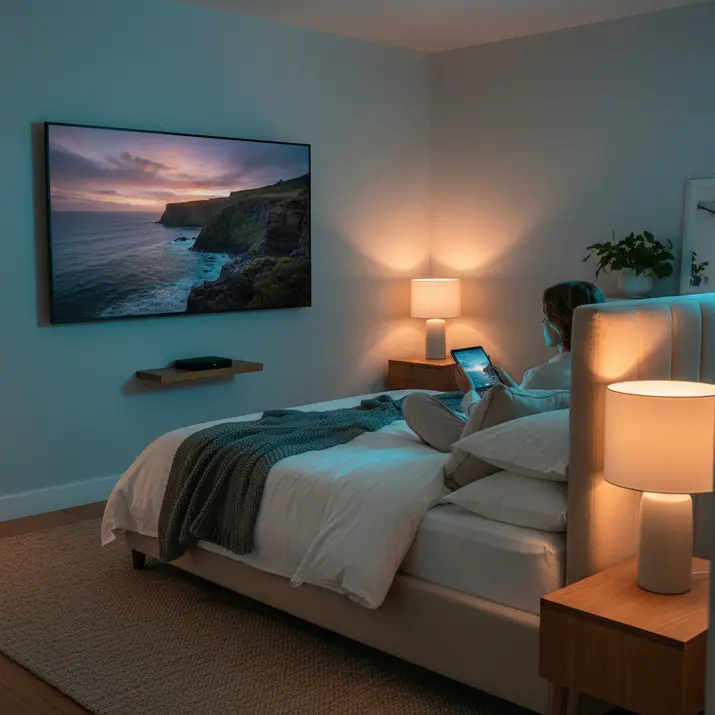
New users can start streaming on bbIPTV in under 10 minutes using compatible players and simple credential entry. This quick process works on Firestick, Android devices, smart TVs, and more. Follow these steps to avoid common issues like installing from unknown sources.
Experts recommend starting with a free trial to test live channels like Premier League matches or BBC streams. Gather your bbIPTV username, password, and M3U URL from your subscription email first. This ensures smooth IPTV activation without delays.
Recent Posts
- IPTV Media Streaming: Plans, Features & Setup Guide
- Reseller IPTV UK: Start a Profitable Streaming Business
- IPTV Free Trial UK: What to Expect & How to Start
- Best IPTV Providers: Compare Features, Prices & Support
- Free IPTV Trial UK: Safe Options & Setup Guide
- IPTV Test: How to Evaluate a Subscription Before You Buy
- IPTV Channel List UK: What’s Included & How to Choose
- Choose and install a player: Select StaticIPTV Player, IBO Pro, or TiviMate via Downloader for Firestick and Android. Enable unknown apps sources in developer options on your device, then sideload the APK safely.
- Enter credentials: Open the player app and input your bbIPTV username and password from your account dashboard. This authenticates your IPTV subscription instantly.
- Load M3U URL or playlist: Paste the provided M3U URL into the app’s playlist section. It pulls in HD and 4K quality channels for devices like Samsung, LG smart TVs, or Roku.
- Configure settings: Adjust for 4K quality, enable developer options if buffering occurs, and set EPG for better navigation. Test on iOS or Android for low buffer.
- Test with free trial channels: Play live streams to confirm smooth playback before committing to plans.
This setup supports bbIPTV plans across all devices. If issues arise, double-check credentials and app permissions for optimal streaming.
Frequently Asked Questions
What is IPTV Media Streaming: Plans, Features & Setup Guide bbiptv.org?
IPTV Media Streaming: Plans, Features & Setup Guide bbiptv.org offers a comprehensive resource for users in the UK seeking reliable IPTV subscriptions. It details flexible plans starting at GBP14.99 for one month, key features like access to over 23,000 live channels and 100,000+ movies and series in up to 4K quality, and an easy setup guide for devices such as Smart TVs, Firestick, Android, and iOS.
What plans are available for IPTV Media Streaming: Plans, Features & Setup Guide bbiptv.org?
bbIPTV provides affordable IPTV plans tailored for UK users: 1 Month at GBP14.99, 3 Months at GBP24.99, and 12 Months at GBP54.99. Each plan includes a free trial, ensuring you can enjoy premium streaming without commitment.
What features does IPTV Media Streaming: Plans, Features & Setup Guide bbiptv.org highlight?
Key features include 23,000+ live channels, 100,000+ movies and series, and streaming in 4K, FHD, and HD. It’s optimized for seamless viewing on Smart TVs, Android, iOS, Firestick, and more, delivering reliable performance for UK audiences.
How do I set up IPTV Media Streaming: Plans, Features & Setup Guide bbiptv.org on my device?
Setup is straightforward: after subscribing, use the provided credentials on compatible devices like Firestick, Smart TVs, Android, or iOS. The guide on bbiptv.org walks you through simple steps for instant access to high-quality streams.
Is there a free trial for IPTV Media Streaming: Plans, Features & Setup Guide bbiptv.org?
Yes, bbIPTV offers a free trial with all plans, allowing UK users to test the 23,000+ channels and 4K streaming quality on their preferred devices before committing to a subscription.
Which devices are compatible with IPTV Media Streaming: Plans, Features & Setup Guide bbiptv.org?
bbIPTV is fully compatible with popular streaming devices including Smart TVs, Android, iOS, Firestick, and others, making it ideal for UK households looking for versatile IPTV solutions.